KallyLang The first digital Language Laboratory for Mac users
More than a Language Laboratory...
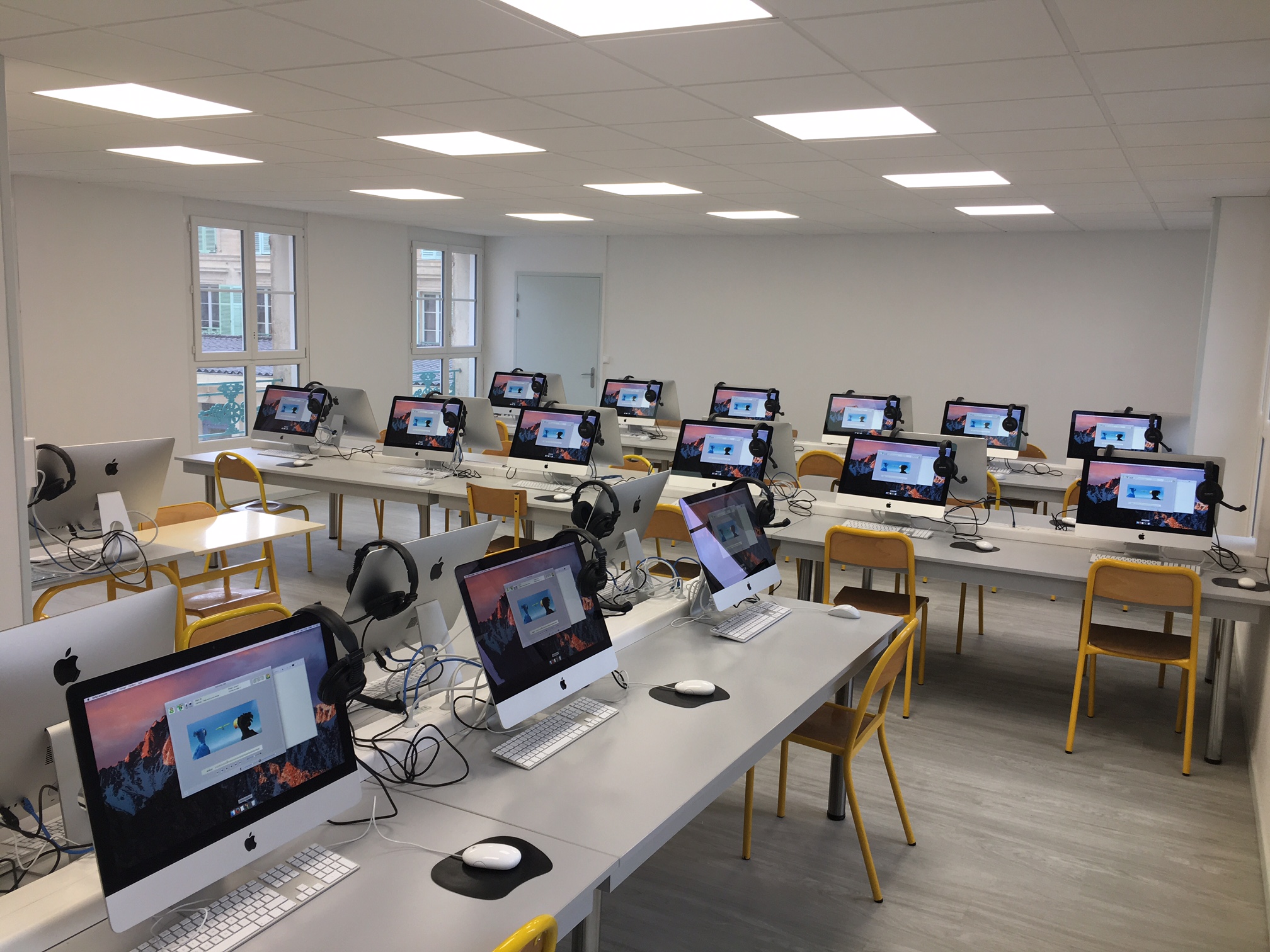
KallyLang software is a network based 'Language Laboratory', which uses
the latest multimedia technology to create tailored learning activities during lessons.
A digital solution, this can be installed on an existing network without the need for additional
cables. With all the typical features of a 'language laboratory', KallyLang facilitates language
learning with the latest multimedia technology.
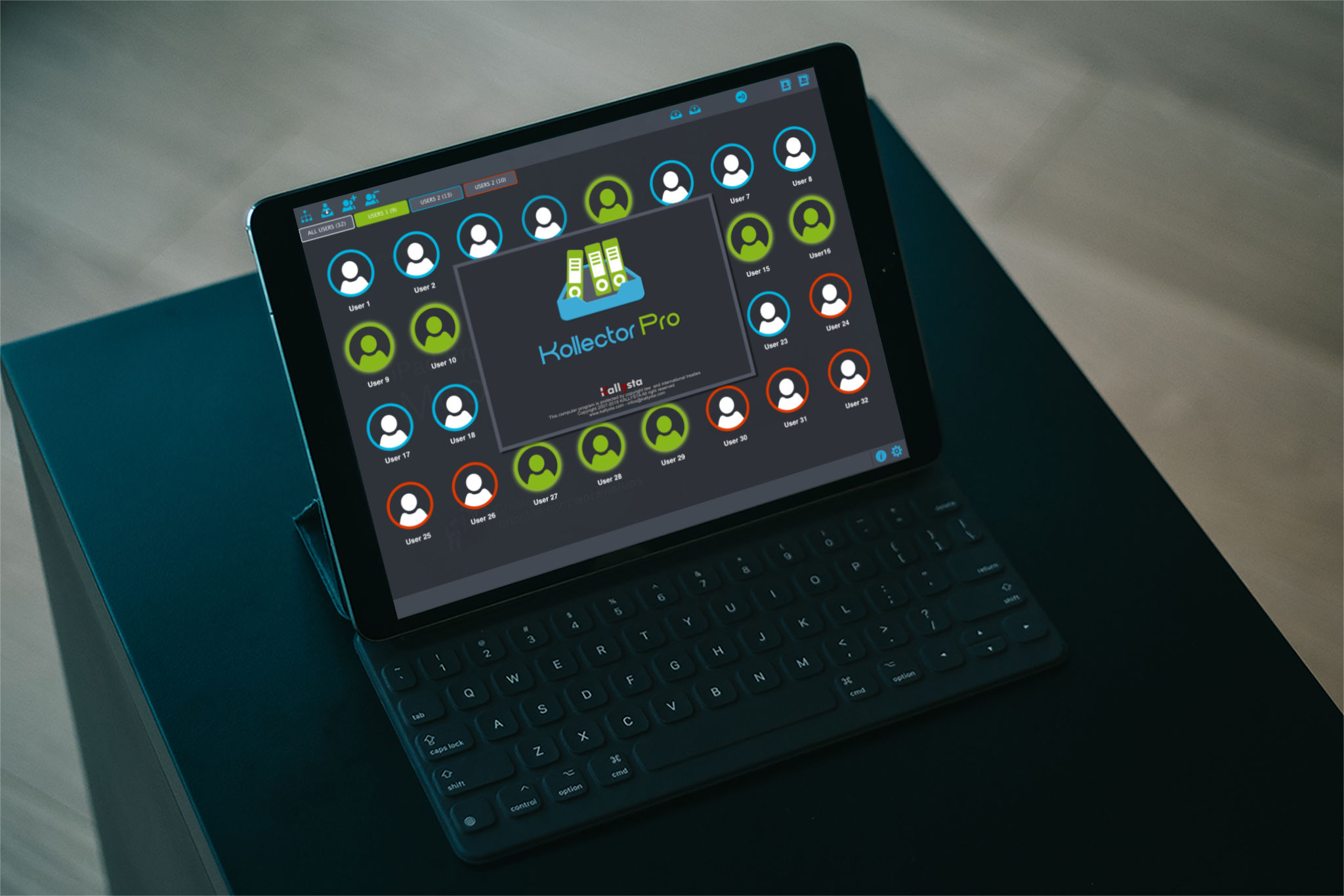
KallyLang software is controlled by the teacher, allowing them to
easily manage the language learning taking place in the classroom. This 100% digital software gives
students access to an impressive range of exercises using a variety of media, including audio, video
and text, to make learning a language easy - and fun too.
Enter the Digital Zone!
With KallyLang software, students and teachers can listen to audio files and watch video clips
from their hard drive, or discover more on the Internet using the integrated web address bar and search tool.
ItŐs also possible to record speech as sound files and compare them to existing files (for example an
original version, set by the teacher), using the software tools. Teachers can even prepare 'fill in the blanks'
exercises for students to complete.
KallyLang software keeps language learning activities varied, yet relevant Đ students can add subtitles to
a video or sound clip (existing, or recorded files), or even place a sound clip/subtitle underneath a photo.
Students can record clips directly at their own machines, giving them the ability to work on ad-hoc subjects,
at their own pace Đ encouraging independent learning.
A Multitude of Formats and Possibilities
KallyLang uses QuickTime technology, providing access to a variety of multimedia, (in other words,
access to around 300 sound, video and image formats). With KallyLang, students can record files that are iPod
compatible, which means you can share work files with the whole class, by synchronising their iPod devices on
the network. This encourages them to continue language study, out of the classroom.
KallyLang software features and benefits:
- Text editor tool to identify spelling mistakes/grammatical errors
- Students can translate a piece of text, then send it to the teacher for evaluation
- Record video content directly into the software, using an iSight camera
- Students can add sound to videos made available by the teacher
- Subtitle feature, add to video or audio clips
- Students can be selected to participate in group 'conferences', to encourage dialogue in chosen language, improving oral skills
- Student groups can be managed manually by the teacher or automatically by the software
- Record conversations between two users Đ for evaluation
- Send video or text messages
- Web access - features integrated address bar and search tool to quickly access additional learning resources
- Teachers can use the software to supervise the activities of the class, using a timer (automatic stop after a given/set time)
- etc...
Stay In Control
KallyLang gives teachers control over the whole class during language study. The working area of each student
on their screen is restricted - the teacher sets the work which the students need to complete, to hold their attention on
the specified learning objective. Students cannot launch any other application in this area Đ they can only work on the task
set by the teacher - again, keeping their concentration.
Apple remote desktop (ARD), works with KallyLang software to enable teachers to access all of the students' activities on their Mac.
Configuration : Mac Intel Core 2 Duo, 1GB RAM, Mac OS X 10.5 or Higher, screen 17" mini.
Resolution 1024x768 mini; Network 1 GB, USB Headsets.
Images are used only as illustrations. Content and components may change according to selected
options and be subject to subsequent development or modification.